What the GLB keeps, and what it loses
| In the GLB | |
|---|---|
| Meshes and their tree | Every mesh and model, with its name, where it hangs in the scene |
| Size | Meters, from the unit the FBX states |
| Which way up | Y up, as glTF asks, from an FBX that stands on Y or on Z |
| Materials | Each a glTF material of the same color and pictures, with no metal, as rough as it was dull. A picture of transparency alone is lost |
| Textures | Those the FBX holds and those dropped with it, packed into the GLB |
| Skeletons, skins, blend shapes | Kept |
| Animations | Kept, every one the viewer plays |
| Lights, cameras, curves | Left out |
How to convert an FBX to GLB
- Drop the FBX on this page, or choose it with the button. If its textures are separate files, drop them with it, or a ZIP of its folder.
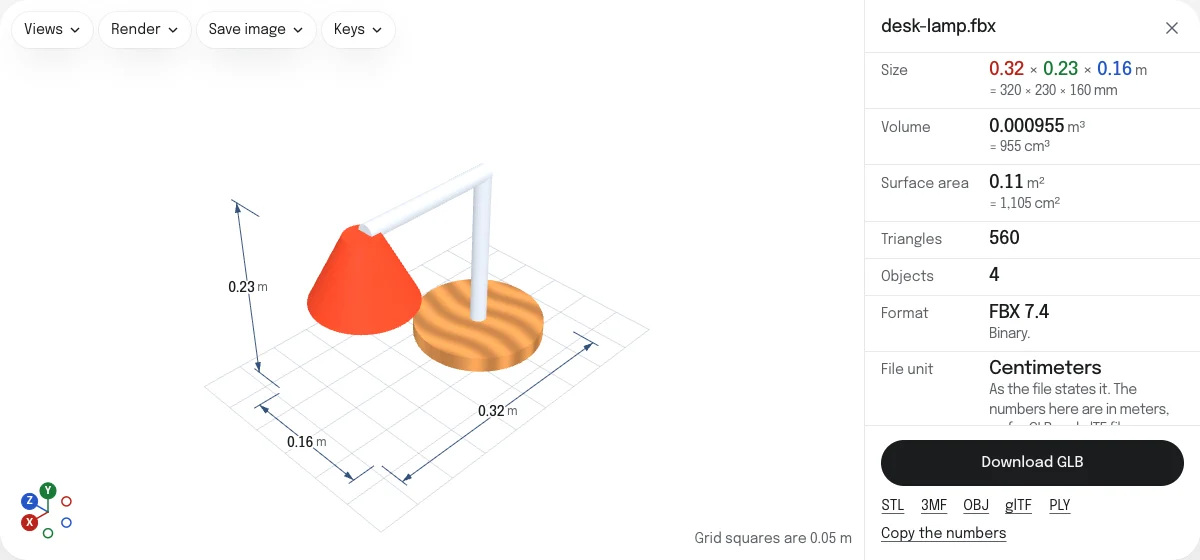
- Look at the model, its size in meters and its rows. Play its animations to see that they are what you expect.
- Choose Download GLB. The file is named after the FBX.
The GLB can be checked on the GLB viewer, which runs the Khronos glTF Validator on it.
Materials, from FBX’s to glTF’s
An FBX material is Phong or Lambert, a color with a shine, from the time of fixed-function graphics. glTF’s is physically based: a color, how metallic the surface is and how rough. Each material is given its color, its picture, its normal map, its glow and its transparency as one amount, no metal, and a roughness worked out from its shininess. A picture that gives transparency alone, as cut-out leaves and cards of hair use, has no place in what three.js writes, and such a part is drawn whole. A model meant to be metal is best given its metalness again in the program that opens the GLB.
Size and orientation
The FBX states its unit, most often centimeters, and the GLB is in meters, as glTF is everywhere, so the model arrives at its size in a web page, Unity, Unreal or Blender. A model drawn standing on Z is stood on Y, the up of glTF. One whose file says X is up, or that up points down, is written as it is drawn: the viewer’s Up axis row says so.
One file, or several
On its own, the FBX is written as a scene, with everything above. With other files on show beside it, the GLB holds every mesh on show with its name and its color, and not its textures or animations: hide the others first to keep those.
Questions
Is my file uploaded?
No. The FBX is read and the GLB is written by your own browser. Nothing is sent to a server.
Are the animations kept?
Yes. Every animation the viewer plays is written into the GLB: the models and bones that move, the skins they bend, and the blend shapes. Play one on the page before you download, and the GLB plays it the same way.
Why do the materials look a little different?
FBX describes a surface by its color and its shininess, and glTF by its color, its metal and its roughness. Each FBX material becomes a glTF material of the same color and pictures, with no metal, and as rough as it was dull. Its own shininess setting has no place in glTF.
Why is my GLB the right size when the FBX was in centimeters?
glTF is in meters by its specification. The FBX states its unit, and the GLB is written in meters from it: a character 180 cm tall is 1.8 m tall in the GLB, and stands with Y up.
Can I make a glTF with a .bin instead?
Yes. The glTF link under the button saves the same model as a .gltf, its .bin and a file for each picture, in a ZIP.
What if a texture is missing?
A picture the FBX names but does not hold has to be dropped with it. The page lists any that were not, and the GLB is written without them: those parts keep their material's color.