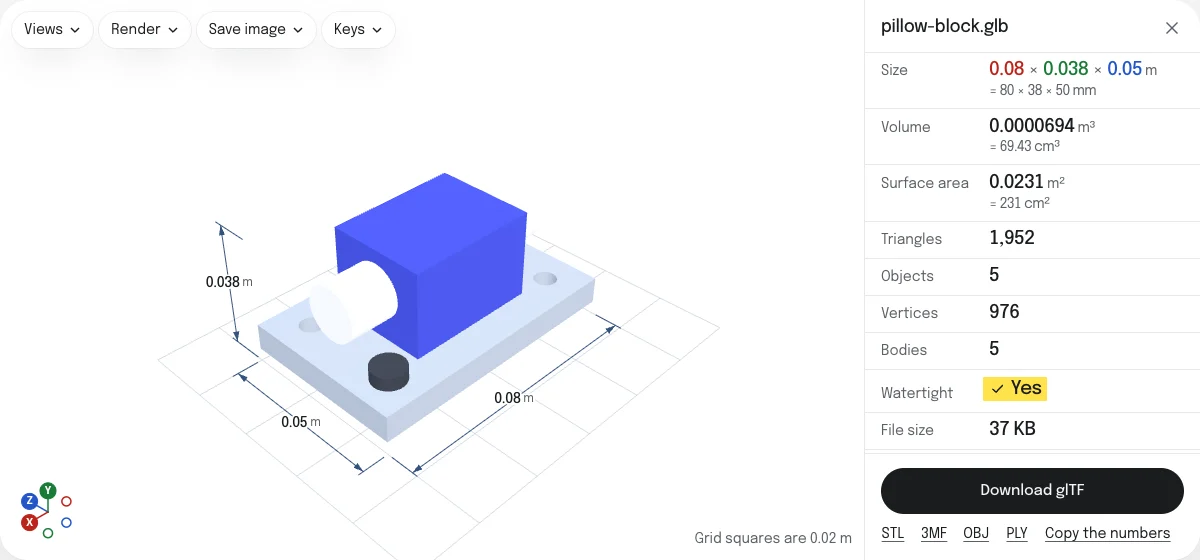
What the glTF keeps
Everything. GLB and glTF are one format, glTF 2.0, in two packages: a GLB holds the JSON and the binary data in one file, and a glTF with separate files holds the JSON as text, the data as a .bin and each picture as a file of its own. The converter moves the bytes from one package to the other and changes only the lines of the JSON that say where they are.
| In the glTF | |
|---|---|
| Meshes, nodes, the scene | As they are |
| Materials and textures | As they are, each picture a file beside the .gltf |
| Animations, skins, morphs | As they are |
| Cameras, lights, extensions, extras | As they are |
| Geometry and animation data | In one .bin, byte for byte, without the pictures |
| Size and orientation | Unchanged: meters, Y up |
How to convert a GLB to glTF
- Drop the GLB on this page, or choose it with the button. It is read in your browser; nothing is uploaded.
- Look at the model in the viewer, with its materials and textures as the file has them.
- Choose Download glTF. For
model.glbyou getmodel_gltf.zip, withmodel.gltf,model.binand the pictures. - Unzip it into a folder. The
.gltffinds the other files beside it.
Why unpack a GLB
- To edit the JSON. A
.gltfis text: a material’s color, a node’s name or a texture’s file name can be changed in a text editor. - To edit a texture. Each picture is a file of its own: open it in an image editor, save it under the same name, and the
.gltfuses it. - To see what is in a file. The JSON lists every mesh, material, animation and extension the model uses.
- For a tool that takes glTF with separate files, as some web and game pipelines do.
To pack it up again after editing, glTF to GLB puts the .gltf, its .bin and its pictures back into one file.
What stays inside the .bin
The pictures are taken out of the binary data and the parts of the JSON that point into it are numbered again. Two kinds of file keep their pictures in the .bin, where the .gltf still finds them: one compressed with meshopt, whose data points to a second place in the same binary, and one that uses an extension this page does not know, which might point into it from somewhere the converter does not look. Either way the glTF is complete and opens as the GLB did.
A GLB compressed with Draco, or with KTX2 textures, does not open in this viewer yet, so it cannot be unpacked here.
glTF, OBJ or STL
A glTF keeps everything. An OBJ keeps the meshes, their names and colors, for programs that do not read glTF. An STL keeps the shape alone, in millimeters, for a slicer. Both, and 3MF and PLY, are saved from the links under the button.
Questions
Is my file uploaded?
No. The GLB is taken apart by your own browser. Nothing is sent to a server.
Is anything lost?
No. A GLB is a glTF in one file: its JSON, then its binary data. The converter writes the same JSON as a .gltf, the binary data as a .bin, and each picture as a file, and changes only the lines that say where each lives. Materials, textures, animations, skins, morphs, cameras, lights, extensions and extras are all kept. That holds for one file on its own: with several files on show, the file holds their meshes, names and colors only, and the page says so.
Why do I get a ZIP?
A glTF with separate files is several files: the .gltf names the .bin and the pictures, and finds them beside it. The ZIP keeps them together. Unzip it into one folder and open the .gltf.
What are the picture files called?
After the names the GLB gives its pictures, and otherwise after the GLB with a number: model_image_1.png. Each keeps its own format, PNG, JPEG or WebP, as it was in the GLB.
Why are the textures still inside the .bin?
For a GLB compressed with meshopt, or one that uses an extension this page does not know, the pictures stay in the .bin, where the .gltf still finds them. Taken out, they would move the other data the extension points to.
Can I go back?
Yes. Drop the .gltf with its .bin and pictures, or the ZIP itself, on glTF to GLB, and you get a GLB with the same model.