What the PLY keeps
| In the PLY | |
|---|---|
| Shape | Every triangle, every corner where the STL put it |
| Corners | Shared: each written once, as a vertex of the PLY |
| Size | The STL's numbers, unchanged |
| Which way up | Standing on Z, as the model stands on screen |
| Several files | One mesh: a PLY has no parts |
| Format | Binary, little-endian: a float for each number, an integer for each corner of a triangle |
Nothing of the shape is lost: an STL is triangles and nothing else, and the PLY holds the same triangles.
How to convert an STL to PLY
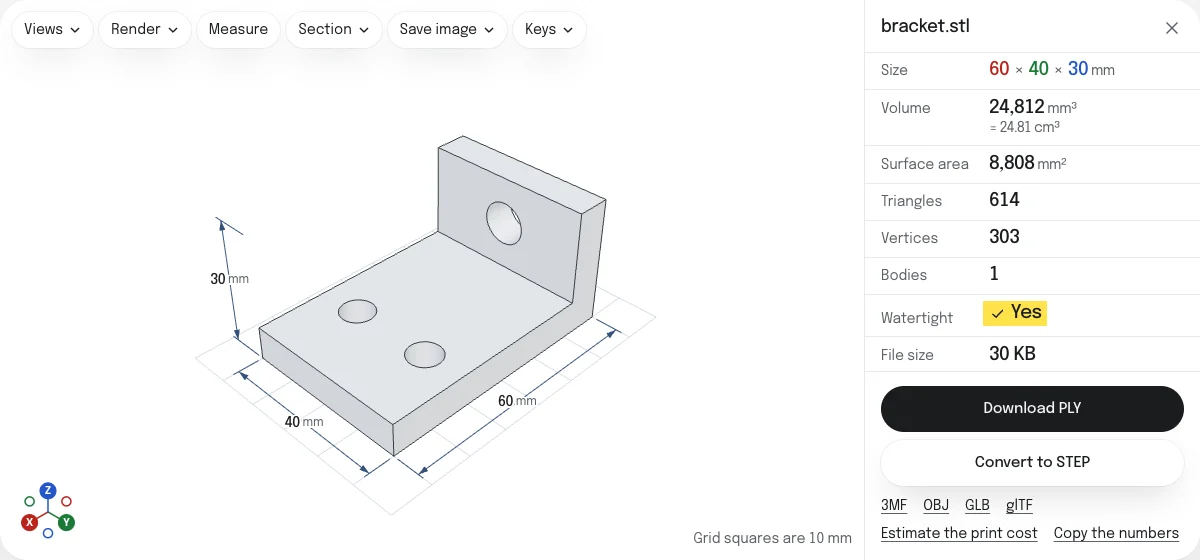
- Drop the STL on this page, or choose it with the button. Binary and ASCII STL both open. It is read in your browser; nothing is uploaded.
- Look at the model and its size. Drop more STL files to put them in the same PLY.
- Choose Download PLY. The file is named after the STL:
bracket.stlbecomesbracket.ply.
Shared corners
An STL writes three corners for every triangle, so a corner where six triangles meet is written six times, and a program that reads it has to find out which corners are the same. A PLY lists each corner once and builds the triangles from their numbers. The converter joins the corners that are the same in every digit, which is how an STL writes a corner that triangles share. None is moved, and two that differ, however little, stay two.
The PLY is smaller than the binary STL for that reason: a corner is 12 bytes once instead of 12 bytes for each triangle that meets there.
Orientation
An STL made for printing stands on Z, and the PLY keeps it so. If the model lies on its side in the viewer, choose the other axis in the Views menu: the PLY stands as the model stands on screen.
PLY, OBJ or STL
A PLY is the format of scans and of MeshLab and CloudCompare, and can hold a color for each vertex. An OBJ is read by nearly every 3D program. To go back, PLY to STL writes an STL for a slicer. The 3MF, OBJ, GLB and glTF are saved from the links under the button.
Questions
Is my file uploaded?
No. The STL is read and the PLY is written by your own browser. Nothing is sent to a server.
Is it binary or ASCII?
Binary, little-endian, which every program that reads PLY takes, and smaller than the same written as text.
Is the shape the same?
Yes, triangle for triangle. Every corner keeps the number the STL gives it. The PLY lists each corner once and builds the triangles from them, where an STL writes it again for every triangle that meets there.
What unit is the PLY in?
The STL's own: neither file states a unit, so the numbers are copied as they are. An STL made for printing is in millimeters.
Can I put several STL files into one PLY?
Yes. Drop them together, or drop more on the open model. A PLY has no parts, so they become one mesh, each where its STL put it.