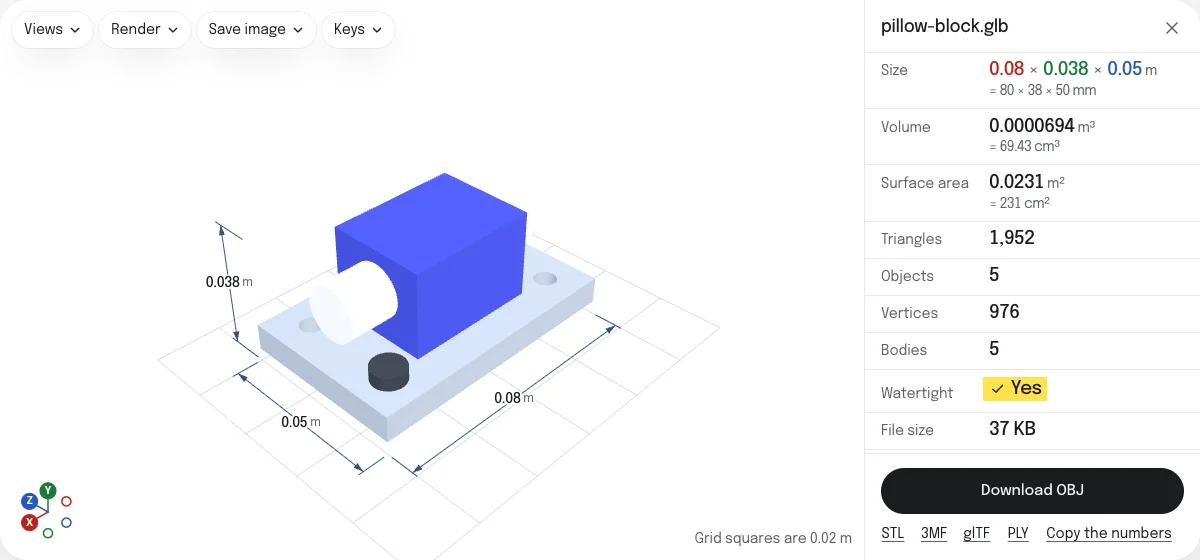
What the OBJ keeps, and what it loses
| In the OBJ | |
|---|---|
| Shape | Every triangle of every mesh, where the scene places it, with its corners shared |
| Names | An object for each mesh, named after it, and for each material of a mesh that has several |
| Colors | Each material's color, in the material file beside the OBJ. The colors of vertices too |
| Shading | The normals of the GLB, so smooth surfaces stay smooth |
| Size | Millimeters, or another unit you choose |
| Which way up | Y up, as in the GLB |
| Textures, roughness, metalness | Lost |
| Animations, lights, cameras | Lost: the model at rest |
How to convert a GLB to OBJ
- Drop the GLB on this page, or choose it with the button. For a glTF, drop the
.gltfwith its.binand picture files, or a ZIP of its folder. - Look at the model, its size and its objects.
- Choose the unit under Unit of a saved STL, OBJ or PLY: millimeters for a slicer or CAD, meters for Blender.
- Choose Download OBJ. With colors you get a ZIP with the OBJ and its material file; without, the OBJ alone. Both are named after the GLB.
Names, colors and the material file
Each mesh of the scene becomes an o object in the OBJ, named after its node in the GLB, with spaces turned into underscores, since an OBJ name is one word. A mesh drawn in several places is written once for each place. A mesh with several materials is an object for each, named after the glTF mesh as three.js numbers it (Body, Body_1), and so is a mesh whose node has no name. A mesh named nowhere is called mesh_ and its number in the file, as three.js names it. A scene of more than 12 million vertices, counting each mesh as often as it is drawn, is more than can be written as one mesh here, and the page says so when you save it.
Each color becomes a material in the MTL, with the color as the material’s diffuse color (Kd), which is what every program that reads OBJ takes from it. A mesh whose vertices carry colors of their own keeps them: as a material for each color when there are up to 32, and otherwise as a color after each vertex, which Blender, MeshLab and this site read.
glTF’s materials are more than a color: a texture, how rough and how metallic the surface is, a light it gives off. None of that has a place in an MTL that programs agree on, so the OBJ has the color alone. A model whose look comes from its textures arrives in the color its material multiplies them by, often white.
Size and orientation
A GLB states its unit, meters, and its up direction, Y. An OBJ states neither, so the program that opens it assumes them. The numbers are written in the unit you choose, millimeters to begin with, which is what slicers and CAD programs assume. Blender assumes meters: for Blender, choose Meters, or set the scale when you import. The axes are kept as they are, Y up, which is what Blender and most modeling programs assume of an OBJ.
OBJ, STL or glTF
- OBJ is read by nearly every 3D program, old and new, and is text you can read.
- STL is for a slicer: one mesh, in millimeters, standing on Z.
- glTF keeps everything the GLB has, textures and animations included, as separate files you can edit.
The STL and the glTF, and a 3MF and a PLY, are saved from the links under the button.
Questions
Is my file uploaded?
No. The GLB is read and the OBJ is written by your own browser. Nothing is sent to a server.
Why do I get a ZIP?
An OBJ keeps its colors in a second file, the material file (.mtl), which it names. Every mesh of a glTF has a material, so the two always come together, in one ZIP: unzip it and keep the OBJ and the MTL side by side.
Are the textures kept?
No. The OBJ has each material's own color, which for a textured material is often white or gray, and not its pictures or the coordinates that lay them on the surface. Roughness, metalness and the other settings of glTF's materials are not kept either: an MTL has no place for them that programs agree on.
What unit is the OBJ in?
Millimeters to begin with, which is what slicers and most CAD programs read an OBJ in. Blender reads one unit of an OBJ as a meter: choose Meters under Unit of a saved STL, OBJ or PLY, and the model arrives at its real size there.
Which way up is the OBJ?
As in the GLB: Y up, which is the way Blender and most modeling programs read an OBJ. Nothing is turned.
Is the animation kept?
No. OBJ has no animation. The model is saved as the viewer shows it, at rest.